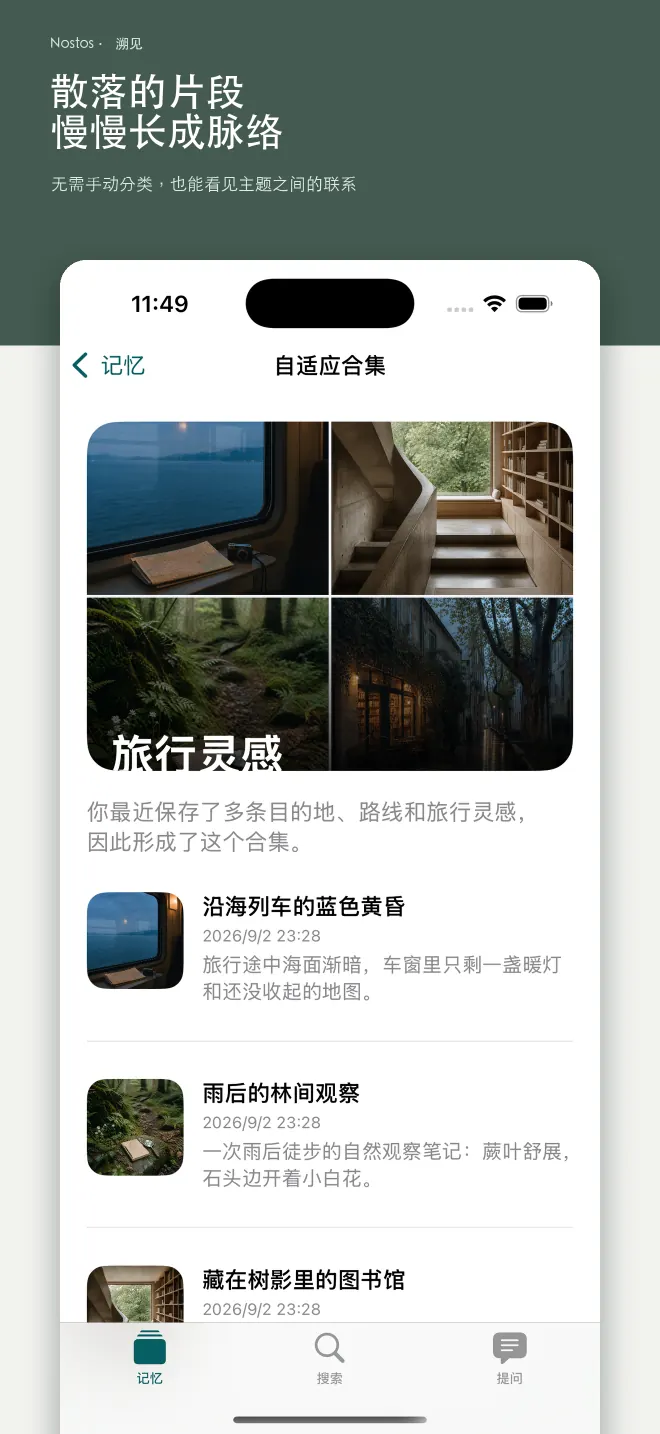
Saving is only the beginning. Finding it again is what matters.
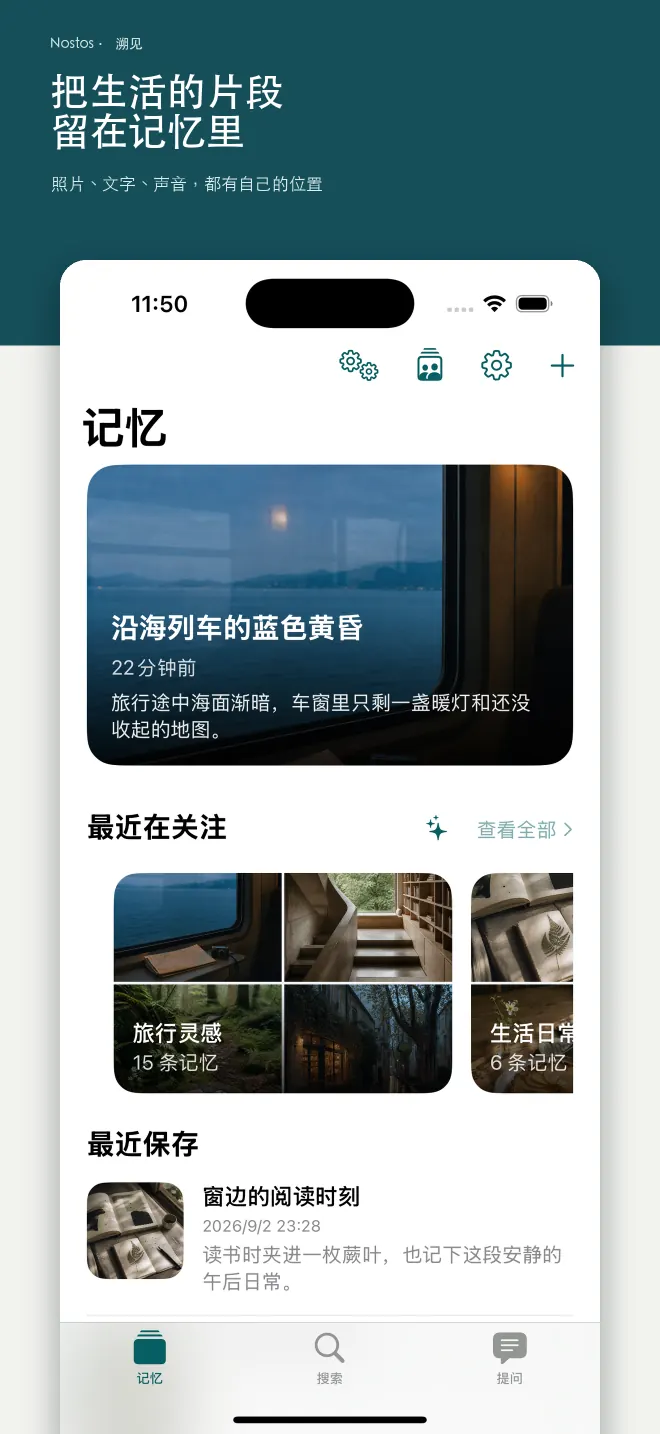
Nostos brings what you save across apps into one memory library. Find it later from a vague recollection, or ask your own collection directly.
iPhone · iPad · Mac · Chrome
One place for the things you genuinely want to keep
- Xiaohongshu
- Zhihu
- WeChat articles
- Web pages
- Videos
- Recordings
You saved it. That does not mean you can still find it.
Some links stay in social apps, some disappear into chat history, and others survive only as a vague recollection. The more places you save, the more disconnected those fragments become.
- The restaurant you meant to visit together
- A travel guide from months ago
- That clear explanation of AI agents
- The good idea buried in a recording
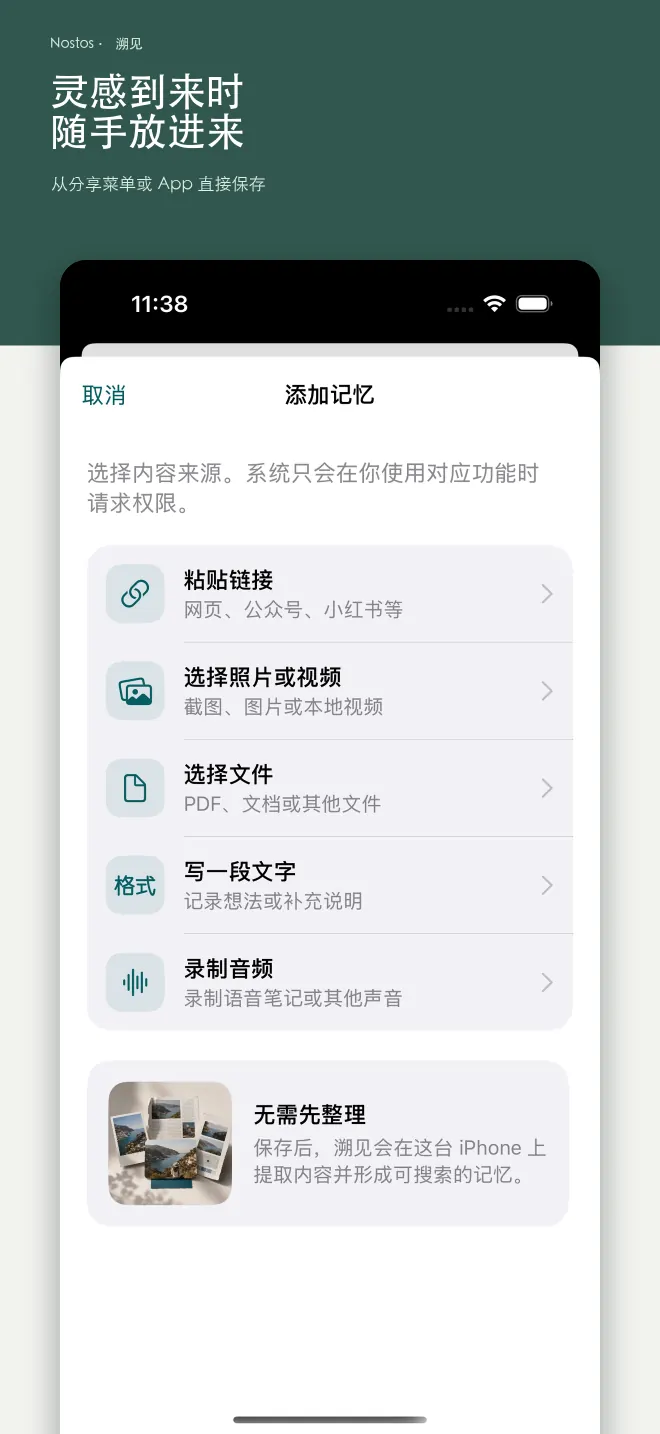
Save first. Organize less.
Use the share sheet to keep links, text, photos, videos, and recordings. Nostos preserves the original content, source, and date, bringing saves from different apps into one place.
No folder decision up front. No tag system to maintain.
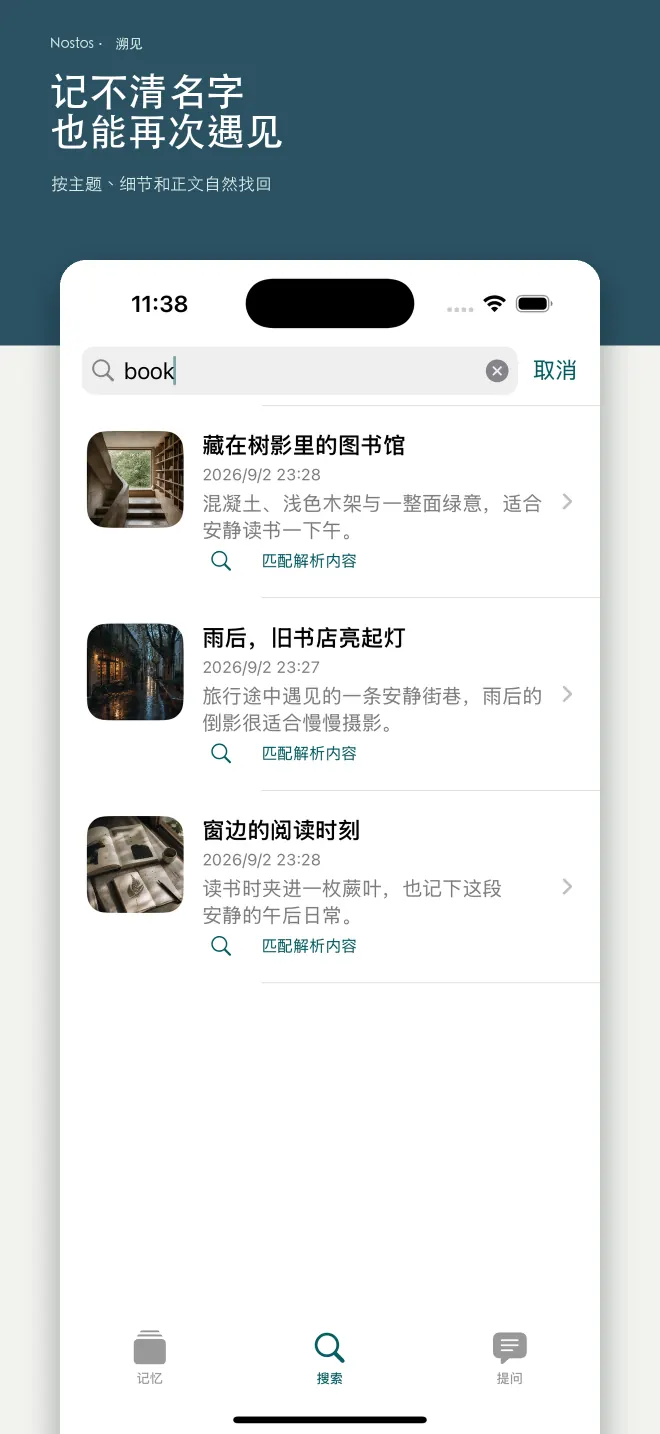
Follow a recollection, not an exact keyword.
Search for a scene, place, topic, or half-remembered phrase. Nostos looks through what you saved for related memories instead of matching titles alone.
Every result keeps its original content and source close by.
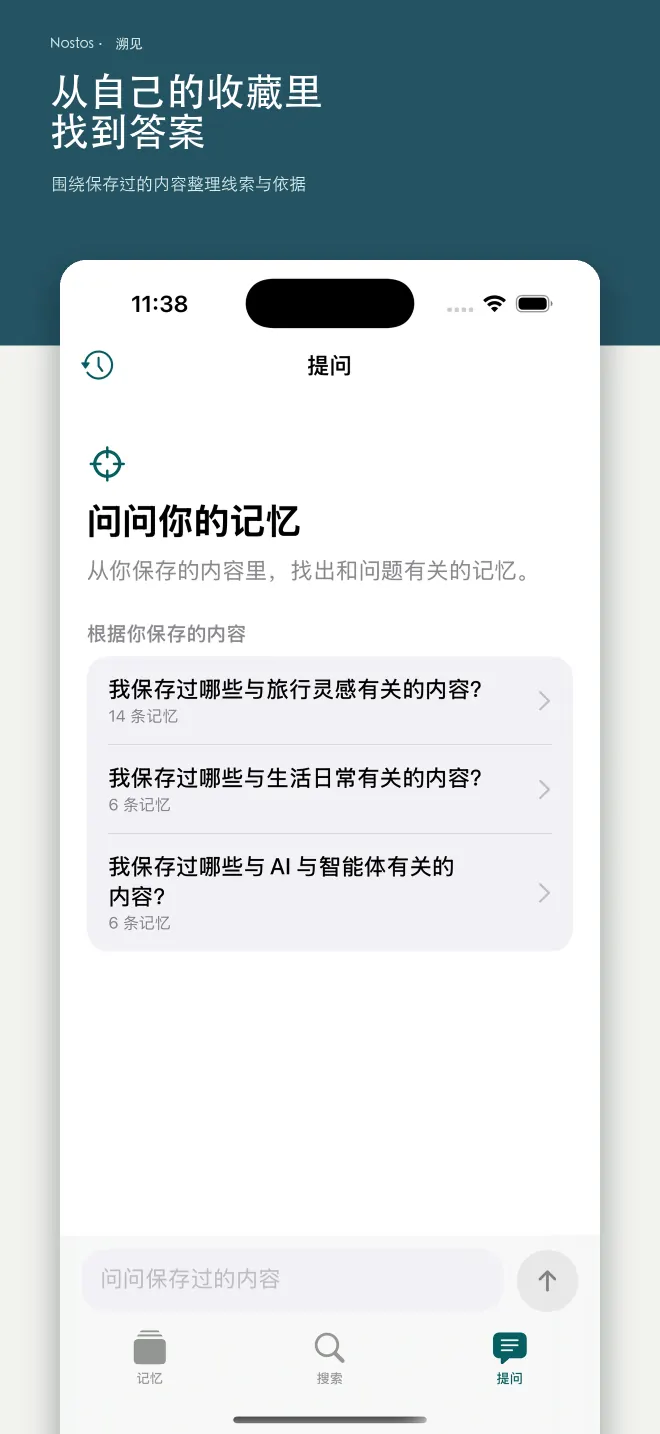
Answers grounded in your memory.
Ask for a travel plan, revisit a topic, or review the ideas you have collected. Answers cite the saved memories they use, so you can return to the original context.
Every conclusion can be traced back to its source.
Keep shared plans in a shared collection.
Collect restaurants, travel notes, or plans with family. When you need them again, there is no chat history to excavate and nothing to ask for twice.
Everyone can see where an item came from and who added it.
Your memory stays under your control.
On-device saving, search, and export remain available. Necessary content is uploaded over an encrypted connection only when you enable sync, sharing, or cloud AI features.
- Personal data is never sold
- Personal memories are not used for ad profiling
- Export, content deletion, and account deletion remain available
Read the privacy policy
Nostos / DOWNLOAD
Save on your computer. Read on your phone.
Choose an entry point for your device.
Using the Chrome extension
- Open the Chrome Web Store and select Add to Chrome.
- Pin Nostos from the extensions menu for easy access.
- Open extension settings, choose where to save and complete the connection. Then save a page you want to read.
To continue reading on your phone, configure the corresponding sync option in the extension and mobile app.
Put what you save to use.
Practical guides to organizing saves and reading across devices.
Explore all guides
Keep what you have seen within reach.
Choose where to save. Come back when you have time to read.
Choose your device